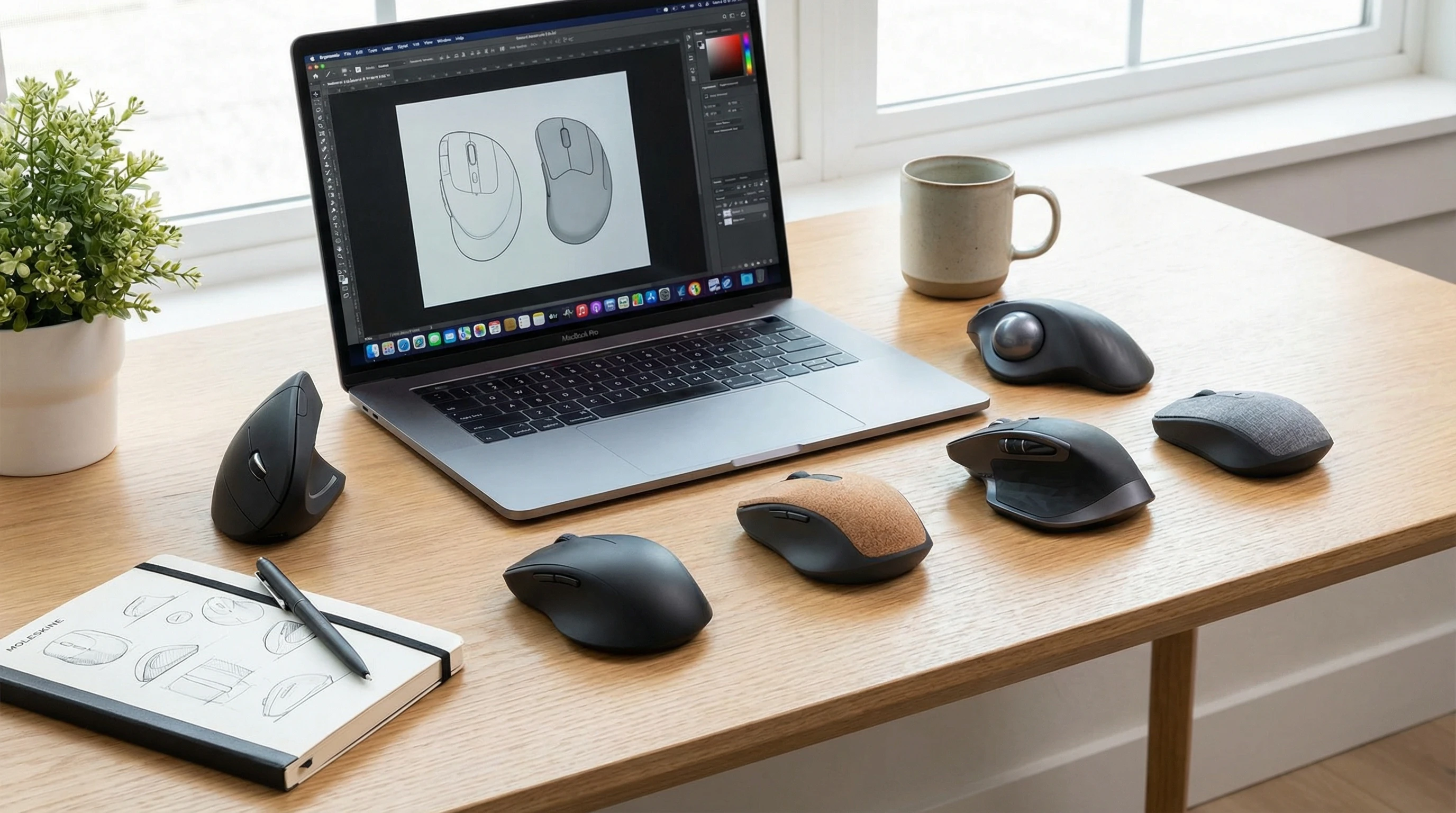
 A comfy mouse isn’t just a nice add-on for your desk setup. If you spend hours clicking and scrolling every day, using an ergonomic wireless mouse can make a real difference in how your hand, wrist, and even your neck feel at the end of the day. If you’ve ever noticed stiffness or tingling after long computer sessions, you’re definitely not alone.
I’ve tested a bunch of these mice over the years, and I keep coming back to ergonomic wireless models that let me move, stretch, and relax a bit more while working or gaming.
Picking a wireless ergonomic mouse does more than just help prevent aches and pains. It can make you more productive by making your setup feel more natural and less like a chore to use.
Here’s my breakdown on why you might want to make the switch, how to pick the one that fits you best, and which features actually matter when shopping for a new mouse. And for those who spend countless hours in front of the screen, investing in a thoughtfully designed mouse can really pay off in the long run.
Why Go Ergonomic? Key Benefits You’ll Notice
Using an ergonomic wireless mouse is a game changer if you’re into comfort and long-term health. I used to think all mice felt the same, but ergonomic designs are shaped for the way your hand sits naturally, so you’re not twisting or reaching awkwardly while you click away.
- Less Strain and Fatigue: An ergonomic mouse puts your hand and wrist in a relaxed position, helping to cut down on tension and weird angles that can lead to pain over time.
- Better Posture at Your Desk: These mice encourage neutral wrist posture. That means less risk for things like carpal tunnel syndrome and repetitive strain injuries.
- Move Freely Without Wires: Wireless means you don’t have to fight with tangled cords, so your setup stays neat and you get more room to move.
If you work or play for hours every day, these benefits really add up. Your hand, wrist, arm, and even your shoulders might notice the difference.
Ergonomic mice aren’t just for people who already have wrist issues; they’re for anyone who wants to give themselves the best shot at staying comfortable and healthy while using a computer regularly.
How Ergonomic Wireless Mice Improve Productivity
Better comfort leads to better work. I’m generally way more focused when my hand isn’t aching from reaching for the mouse all day. Here are some ways an ergonomic wireless mouse helps you work smarter:
- Reduced Hand Fatigue: Staying comfy means you can keep going for longer without those distracting aches.
- Smoother Navigation: Ergonomic mice often come with extra buttons or unique shapes that make navigating files and multitasking a lot faster.
- Fewer Breaks for Pain: Comfortable posture means fewer interruptions, so you can really settle into focused work without pausing to shake out your hand.
That means more done in less time and less frustration, which is pretty handy if you’ve got a busy schedule. Over time, the small boost in productivity can really add up, especially if you’re juggling multiple projects or tight deadlines.
Ergonomic Mouse vs Traditional Mouse: What’s Different?
At first glance, any old mouse might look similar, but there’s actually a big difference in how ergonomic mice feel compared to the straight-up, flat traditional kinds.
- Shape and Grip: Ergonomic mice fit your hand’s natural curve, supporting your palm and fingers, while traditional mice are often flat or symmetrical (which usually means more strain).
- Angle: Many ergonomic models tilt your hand to a “handshake” position, which eases muscle tension. Traditional mice keep your wrist flat, which can make things worse over time.
- Button Placement: Buttons on ergonomic mice are usually set so you don’t need to stretch or twist your fingers awkwardly.
If you’ve never used an ergonomic mouse before, the difference can be pretty surprising. Most people notice their hand relaxes almost instantly.
In fact, some people find that switching back to a traditional mouse after using an ergonomic one feels noticeably less comfortable.
How to Choose the Best Ergonomic Wireless Mouse
There’s no single mouse that works for everybody, and your hand size, work habits, and even whether you’re left- or right-handed all matter. Here are some points to look at when testing ergonomic wireless mice:
Hand Size: Some mice are better for smaller hands, while others are made for folks with big mitts. The mouse should fill your palm comfortably without you needing to stretch your fingers too far.
Grip Style: If you use a palm grip, you’ll want a different shape than someone who uses their fingertips or a claw grip styled hold. Some mice are more versatile than others.
Adjustable DPI (Sensitivity): If you’re picky about how quickly the cursor moves, get a mouse with customizable DPI. It makes a real difference, especially for gamers or photo editors.
Battery Life: Some wireless mice go for weeks on one charge, while others burn out faster. Rechargeable batteries are usually more convenient than constantly swapping AAAs.
Connection Type: Bluetooth mice are great for use with multiple devices, but 2.4GHz USB dongles usually offer less lag. Some models support both, which is extra flexible.
Programmable Buttons: Extra buttons are nice if you do a lot of copy-pasting, browser tab hopping, or want to program shortcuts for gaming or design.
Trying a mouse in-person can be super helpful, but if you’re shopping online, checking size charts and reviews can save you from ending up with a mouse that doesn’t fit.
Also, take note of customer experiences regarding long-term comfort and durability—those insights are gold when making your choice.
Top 5 Ergonomic Wireless Mice (⭐️⭐️⭐️⭐️⭐️)
- Logitech MX Master 3S – This one’s a staple on my desk. The sculpted shape feels great, you get tons of programmable controls, and the scroll wheel is buttery-smooth. Rating: ⭐️⭐️⭐️⭐️⭐️
- Anker Ergonomic Vertical Mouse – Super affordable, with a vertical grip to keep your wrist in its natural handshake position. Great for beginners who want to try ergonomic gear. Rating: ⭐️⭐️⭐️⭐️
- Microsoft Sculpt Ergonomic Mouse – This mouse almost looks like a smooth river rock, and it fills your palm comfortably. Pairs best with the full Sculpt keyboard kit. You can check out the full review here!
Rating: ⭐️⭐️⭐️⭐️ - Evoluent Vertical Mouse C Right Wireless – Designed for serious ergonomic fans, this one stands your hand nearly upright for almost zero wrist twist. If opyu want the full review then click here!
Rating: ⭐️⭐️⭐️⭐️ - Logitech Lift Vertical Ergonomic Mouse – Perfect for small to medium hands, the vertical grip is comfy and the quiet clicks are surprisingly satisfying. Rating: ⭐️⭐️⭐️⭐️⭐️
Most of these mice come in both right and left handed versions and offer lots of customization, so it’s worth checking the product details to make sure you get the best match. Read up on manufacturer guides for sizing and feature details to avoid any surprises.
Wireless Mouse Ergonomic Features You’ll Want
Not all ergonomic mice offer the same extras, so here are a few features that make these models worth checking out:
- Contoured or Vertical Shape: Reduces muscle activity and puts your hand in a chill, natural position.
- Softtouch or Textured Grips: These keep your hand from slipping and actually help reduce sweat (yes, that’s a real thing after a long spreadsheet session).
- Thumb Rests: Many ergonomic designs have a spot for your thumb, so you’re not gripping awkwardly or letting your thumb drag on the desk.
- Easy to Reach Side Buttons: These save you clicks for common actions and let you personalize shortcuts for any workflow.
- Silent Clicks: Some mice offer near-silent buttons, which is awesome for shared offices or late night use.
Some pricier models even come with tilt or scroll features for horizontal navigation, which is very handy if you work with wide spreadsheets or design tools. These small touches can be surprisingly useful through a long day at your desk.
Final Thoughts
Switching to an ergonomic wireless mouse isn’t just about feeling a bit more comfortable while you work. It can actually help you get more done, lower your risk of pain and injury, and make your workspace feel a lot more enjoyable.
Whether you’re gaming, designing, making spreadsheets, or just surfing the web, a mouse that fits your hand makes everything flow better.
If you’re on the fence, trying one out for a week or two is usually enough to notice the upgrade. Your future wrists will thank you. As workplaces and home offices continue to change, paying attention to comfort and health is never a wasted effort.
Thats it for now peeps and have a great day!