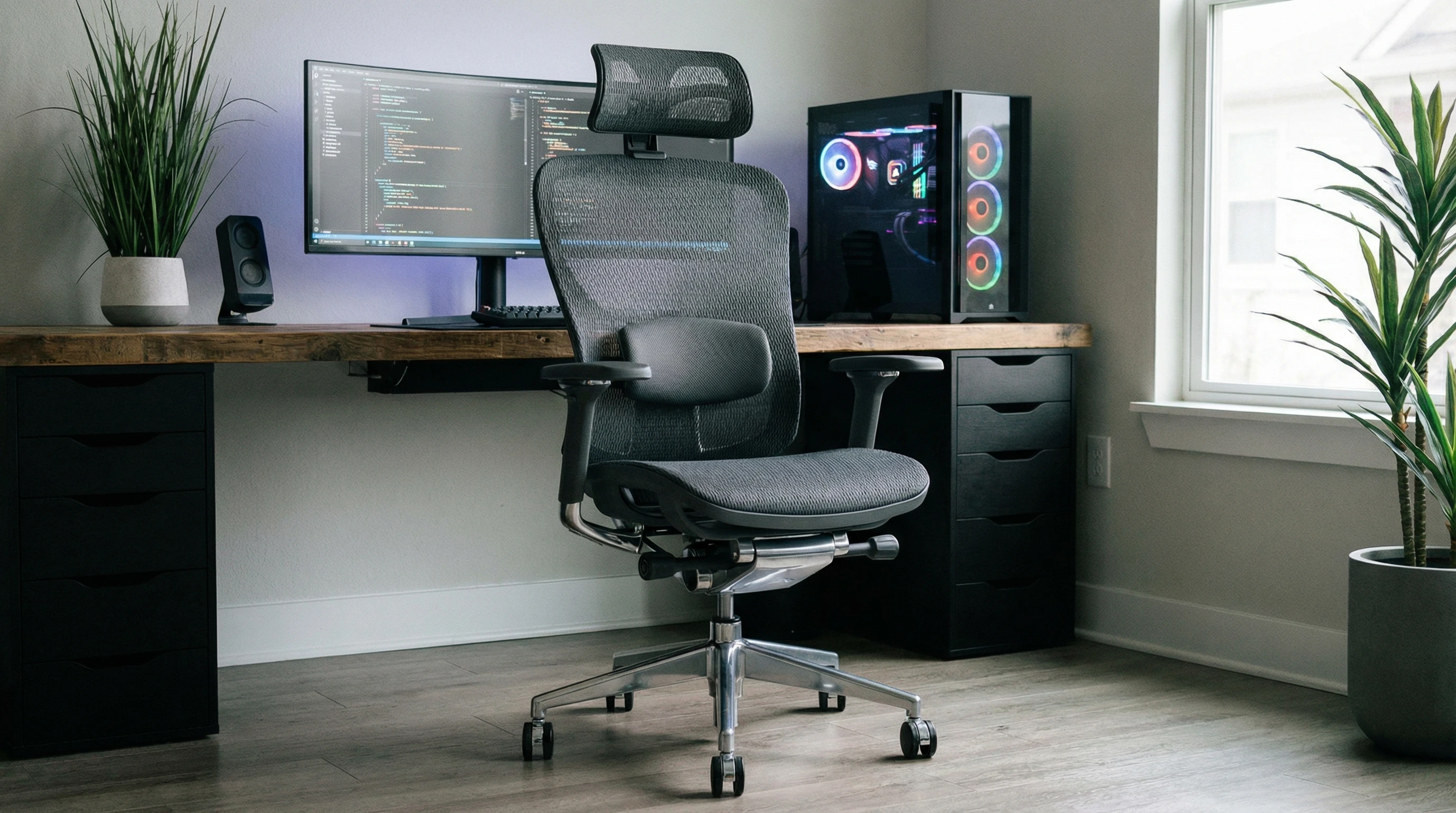
 The right gaming chair can totally change how you feel at your desk, both in-game and during long work sessions. An ergonomic gaming office chair with posture correction features is one of those upgrades that’s just worth it if you care about comfort.
Sitting for hours can really mess with your body, from back pain to sore shoulders, but a good chair sets you up for healthier gaming and working.
If you notice yourself slouching or getting stiff after a marathon gaming session or working late on a project, you’re definitely not the only one. That’s where posture-correcting chairs come in handy.
These chairs do more than just look cool. They help your back, shoulders, and hips stay in the right position, making long hours at your desk a lot more comfortable.
This guide covers what really matters in an ergonomic gaming office chair designed for posture correction. I’ll break down the top features to look for, how posture correction actually works in these chairs, and give you the lowdown on some popular models worth considering to upgrade your setup.
Disclosure: This post may contain affiliate links which means that I may earn commission if click and make a purchase but no additional cost to you.
What Is an Ergonomic Gaming Chair?
An ergonomic gaming chair is built to support your body’s natural posture while you sit, whether you’re gaming or working.
These chairs are different from regular office or dining chairs because they’re designed to fit the curves of your spine, keep you sitting up straight, and make sure your weight is spread evenly.
What makes these chairs really practical is the adjustable parts, like seat height, lumbar support, armrests, tilt settings, and even headrests. The bottoms and backs are usually padded with memory foam or high density foam for better comfort too.
Ergonomic gaming chairs focus on preventing strain before it happens instead of trying to fix pain after the fact.
Ergonomic gaming chairs go beyond just comfort; they can also help keep you productive for longer because you’re not constantly distracted by aches or discomfort.
Many people find that just swapping out a basic office chair for a supportive gaming model makes work and play more enjoyable overall.
Features like smooth rolling wheels and sturdy bases make it easy to move around your space or reposition as needed without losing support. When you’re able to sit comfortably and with proper alignment, your posture and energy levels both get a boost.
Key Features for Posture Correction
Not all gaming chairs actually support good posture. If you want a chair that truly helps you sit right and feel better at your desk, here’s what to look for:
- Adjustable Lumbar Support: Chairs with a separate lumbar pillow or built-in lumbar adjustment help fill the gap in your lower back, keeping you upright and reducing slouching.
- Adjustable Seat Height: The seat should go up and down easily so your feet can rest flat on the floor. This relieves pressure from your legs and lower back.
- Reclining and Tilt Lock: Being able to recline a bit and lock the tilt lets you switch positions and take pressure off your spine during breaks.
- Headrest and Neck Support: A good headrest keeps your neck relaxed, especially if you’re sitting for hours at a time. Adjustable headrests are even better.
- 4D Armrests: Armrests you can move up, down, forward, backward, and side to side help your shoulders and wrists line up correctly, preventing strain.
- Wide Supportive Seat: The base should be wide enough for different body types and thickly padded so you don’t get sore after a long session.
- High Quality Materials: Breathable upholstery and tough frames mean the chair stays comfortable and supportive over time.
Some modern gaming chairs even add extras like integrated massagers or heating pads for an added touch of comfort during especially long sessions.
If you want to get the most out of your investment, look for options with replacement parts available, so you can keep your favorite chair in top shape for years to come.
Why Posture Correction Matters
Sitting with poor posture puts stress on your spine, hips, and neck. Over time, this leads to back pain, headaches, and even problems with your circulation.
A chair built for posture correction helps your body stay in a natural, healthy position where your back is straight, your hips are level, and your shoulders are relaxed. This cuts down on the aches and pains you might feel after too many hours at the desk.
It’s not about sitting stiff like a robot, but having the right support in the right places. You’ll notice better comfort, more energy, and it generally feels nicer to get up after a long stretch of gaming or work.
Good posture also helps with concentration and can even make you feel more alert, which gives your productivity a helpful push.
Plus, developing strong posture habits with a supportive chair sticks with you outside the gaming room or office—you’ll find yourself standing and moving with less effort throughout your day.
Top Features to Look For in a Gaming Chair
Beyond basic ergonomic support, a few upgrades make gaming chairs seriously practical for both play and work:
- Breathable Fabric or Mesh: Stops heat buildup and sweat, especially when you’re gaming in the summer or under pressure.
- Robust Build Quality: Metal frames and quality upholstery last longer and handle daily use better.
- High Recline Angles: Some chairs go almost flat, which comes in handy for chilling during breaks or when you just want to lean back.
- Easy Assembly and Adjustments: Simple setup and intuitive controls make adjusting the chair less of a hassle.
- Quiet Casters: Smooth, silent wheels are nice for late night gaming or shared spaces.
Some chairs also come with add ons like cup holders, phone pockets, or even Bluetooth speakers, giving you a little more convenience and fun during your sessions. Swapping between work and play setups is easier with a chair that’s both strong and sleek.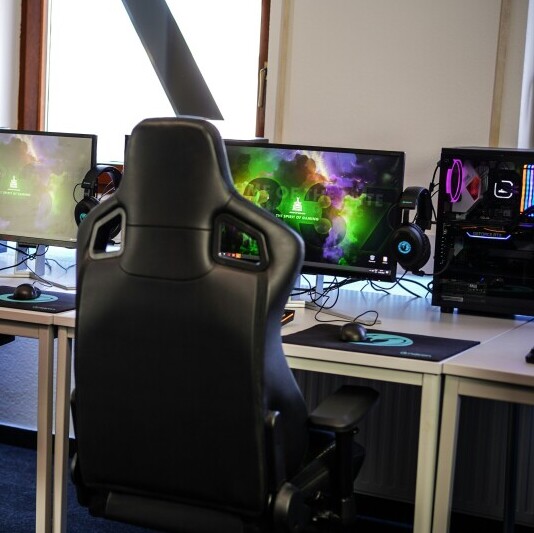
Best Ergonomic Gaming Office Chairs With Posture Correction
There are a bunch of great gaming and office chairs out there, but only a few tick all the boxes for real posture correction. Here’s my quick review of some top picks:
Herman Miller x Logitech G Embody
This chair is like the luxury car of gaming chairs. The Embody is super adjustable and uses a flexible backrest that moves with your spine. The lumbar support is automatic, so it adapts no matter how you sit.
The build quality is excellent, and the fabric stays cool even during long play sessions. Pricey, but if you want one chair for both office and game time, this is hard to beat.
Secretlab TITAN Evo
The Secretlab TITAN Evo is really popular for good reason. It comes with an integrated lumbar system you can adjust with a dial and a memory foam head pillow that attaches magnetically.
The seat is slightly firmer than some others, which helps with long term support. Tons of customization (size, color, material) and strong posture support make it worth checking out if you want all the ergonomic upgrades in one.
Razer Iskur Series
The Razer Iskur stands out mainly for its unique lumbar support. There’s a built-in curve you can adjust so it fits right into your lower back. The chair itself feels sturdy and has comfy armrests you can tweak however you like.
Good for folks who want to make lower back support a top priority while gaming or working.
Xstriker Ergonomic Home Office Chair – Computer PC Gaming Chair
This chair is a solid entry level option and packs a lot of adjustable features for its price. You get a high density foam seat, built-in lumbar support, and a headrest that can be adjusted up or down.
The tilt and recline work well, and the breathable mesh keeps you cool. Worth a look if you want decent posture support without stretching your budget.
X Rocker Gaming Chair
X Rocker chairs are different. They usually sit lower to the ground, and some have built-in speakers, which is fun for immersive gaming.
They aren’t the strongest option for posture correction since they skip some ergonomic features, but they’re comfy for shorter sessions or casual play. Not a top tier posture correction pick, but a cool gadget style seat to switch things up.
Anda Seat Luna Premium Gaming Chair
The Luna Premium offers thick, supportive padding and a steel frame, plus customizable lumbar and neck pillows. The 4D armrests and wide seat cater to a range of gamer and worker body types. The recline goes pretty far back, and the whole setup just feels secure.
It rides the line between plush comfort and posture support.
Tips for Getting the Most Out of Your Chair
Even the best chair only helps if it’s set up right. Here are a few tips:
- Adjust the seat so your feet rest flat, knees level with your hips.
- Set lumbar support to fill the curve of your lower back.
- Keep arms parallel to the desk and elbows at a right angle.
- Don’t sit with your legs crossed or tucked up for long stretches.
- Take regular breaks. Stand, stretch, and move around every hour.
- Consider adding a standing desk converter if you want to switch positions without disrupting your workflow. Alternating between sitting and standing can keep your energy up and improve circulation.
Wrapping Up
A good ergonomic gaming chair with built-in posture correction is a game changer for anyone who spends long hours at a desk.
With the right features and a little fine tuning, you’ll enjoy better comfort, less pain, and more focus whether you’re grinding out ranked games or powering through work projects.
Upgrading your chair is one of those things your body will thank you for down the road. Don’t forget that your overall comfort also depends on smart habits—staying active and checking your setup matters just as much as picking the right chair.
Give yourself the tools and support you need, and you’ll notice a huge difference every single day.
Thanks for stopping by and have a great day!