
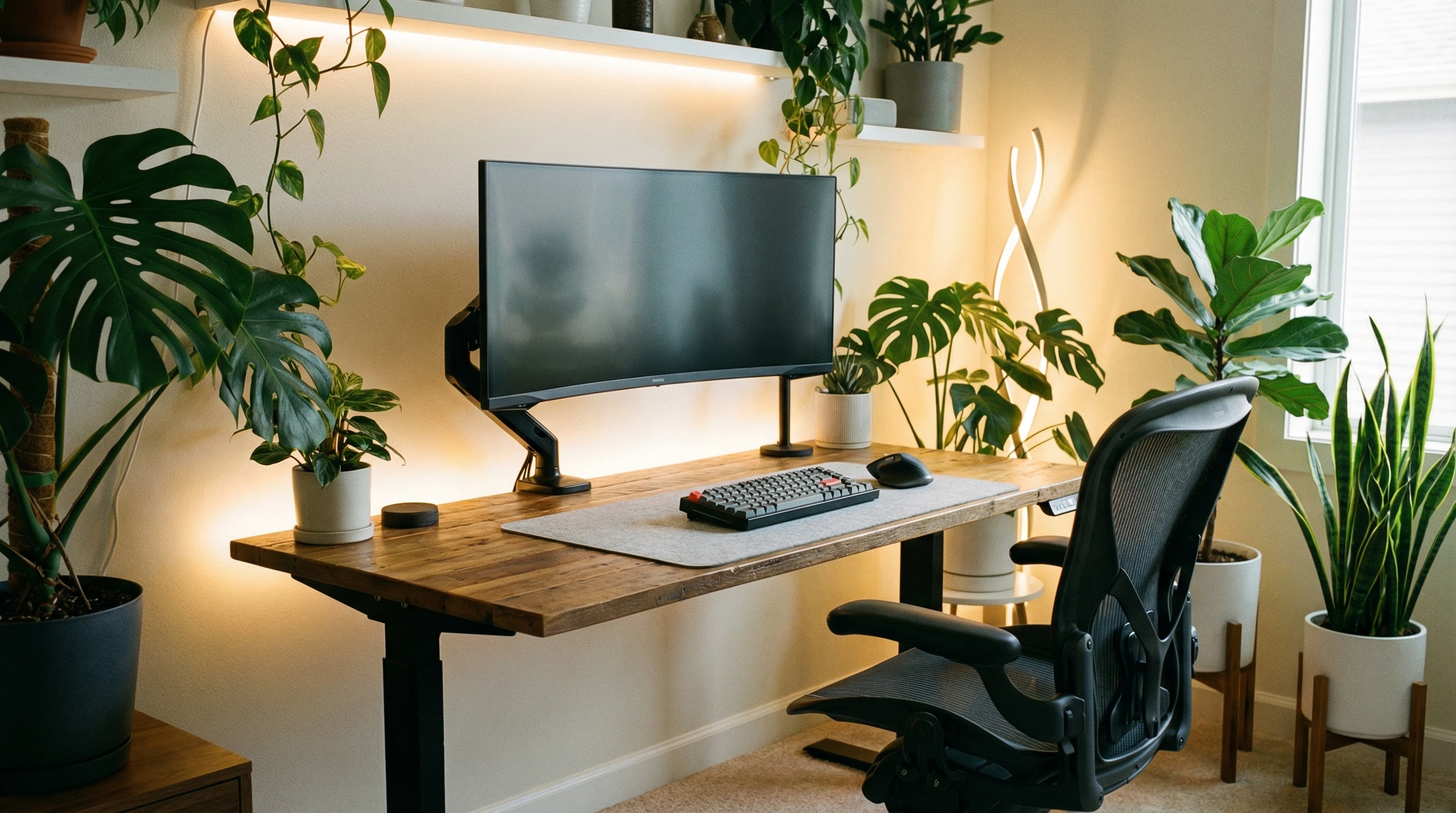
 Setting up an ergonomic workspace is one of those decisions that makes every part of your day easier and more comfortable. Whether you’re in a home office or a big company building, your workspace setup has a direct effect on your comfort, energy, and even your focus.
I’ve seen way too many people just make do with a wobbly chair and a random table, but with a few small adjustments, you can make a big difference in how your body feels at the end of the day.
You might be dealing with headaches, stiff shoulders, or a sore back by noon. Most of that discomfort usually comes from a poor workspace setup. The good news? Making your desk more ergonomic is super doable, and you don’t need expensive gadgets or fancy furniture to get started. Even small changes are worth it.
I’m breaking down exactly what you need to know to set up an ergonomic workspace that keeps your body happy, your mind focused, and your workday flowing.
I’ll also answer some of the most common ergonomics questions, like what the 30 30 rule means, how the 90 90 90 rule works, and what the five main pillars of ergonomics are, all in simple, everyday language.
Start With the Basics: Understand Ergonomics and Its Benefits
Ergonomics is all about designing your workspace so it fits you, instead of forcing your body to adjust to your setup. A good ergonomic space can help prevent aches, pains, and long-term injuries, especially if you’re working at a desk for hours every day.
Besides making you feel better physically, an ergonomic setup can improve your focus and keep you from constantly shifting around trying to get comfortable. You may find you have more energy at the end of the day and fewer distractions from discomfort.
Over the long haul, an ergonomic workspace may even help with your mood and motivation, since physical discomfort can wear you down mentally, too. By making just a few tweaks, you end up protecting your health and getting more done with less effort—definitely a win-win.
The 5 Pillars of Ergonomics
There are five main parts (also called pillars) of ergonomics you’ll want to remember:
- Sitting posture: How you position your back, arms, and legs in your chair.
- Work surface setup: Where your keyboard, mouse, and monitor are placed.
- Movement: How often you get up, stretch, or change positions during your day.
- Lighting: Making sure your space has enough light, without glare on your screen or shadows on your desk.
- Environment: This covers noise, temperature, and anything else that affects your comfort while working.
Setting Up Your Chair and Desk for Comfort
Most of us start with whatever chair happens to be around, but a small adjustment can go a long way. First, set your chair height so your feet are flat on the floor and your knees are about level with your hips. If your feet don’t reach, a simple footrest or even a sturdy box is a quick fix.
Also, don’t forget the importance of the desk you’re pairing with your chair. Even if your chair is set up perfectly, the wrong desk height can throw everything off. Finding the right fit may take some tinkering, but your back and legs will thank you.
The 90 90 90 Rule for Ergonomics
This rule is a super useful guideline for your basic sitting position: try for 90-degree angles at your hips, knees, and elbows. Your back should be straight, shoulders relaxed, and arms by your sides, with elbows bent at (or close to) 90 degrees.
Quick Tips for Your Chair:
- Adjust the backrest so it supports your lower back. Use a small pillow or a rolled-up towel if you need extra support.
- Keep your wrists straight, not bent, when typing or using a mouse.
- If your chair has armrests, adjust them so your elbows rest gently and shoulders stay relaxed. If they get in your way, it’s fine to skip them.
Desk Height and Placement:
- Your desk should be high enough for your legs to fit comfortably underneath it, but low enough to keep your forearms parallel to the ground when typing.
- Arrange items you use most within an arm’s reach to avoid over stretching.
Monitor, Keyboard, and Mouse: Easy Fixes for Better Alignment
Neck pain or headaches can sneak up on you if your monitor, keyboard, or mouse aren’t in the right spot. Here’s how to keep your screen, wrists, and hands happy.
If you regularly use a laptop, you might want to add an external keyboard and mouse and prop up your screen, so everything lines up better. Small changes like this often make a big difference over time.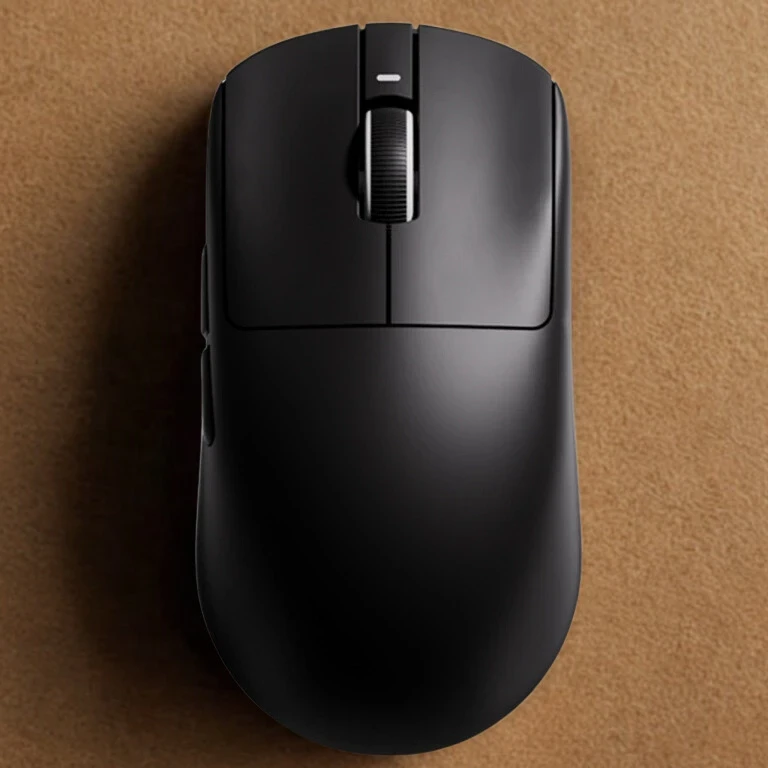
Monitor Placement:
- Place your monitor straight in front of you, about an arm’s length away.
- The top of your screen should be at (or just below) eye level so you’re looking straight ahead without tilting your head up or down.
- For dual monitors, keep the main screen directly in front of you, with secondary screens close enough to turn your head just slightly.
Keyboard and Mouse:
- Position both on the same surface, close enough that your elbows stay by your sides.
- Your wrists should stay straight. If you feel your wrists bending upward or to the side, a simple wrist rest can help.
- Keep your mouse next to your keyboard so you don’t have to reach or stretch.
If your workspace allows, give a standing desk or a convertible desk a try. These can help you mix up your day between sitting and standing, which keeps your muscles engaged.
Even standing for short periods can ease back tension and add a little movement to your workday. Just keep in mind the same rules for alignment apply, whether you’re sitting or standing at your desk.
Lighting and Reducing Eye Strain
Your eyes need some love, too. A poorly lit room can cause eye strain, headaches, and even neck pain from leaning in to see better. Natural light is nice, but direct sunlight on your screen can cause glare, so play around with your space until you get the right vibe.
Tips for Eye Comfort:
- Keep your light source (like a lamp or window) off to the side of your screen to reduce glare.
- Use blinds or curtains to control natural light if needed.
- Increase font size or adjust screen contrast if you find yourself leaning forward or squinting.
- Take a moment to blink often, since people blink less when staring at a screen. Keeping a bottle of eyedrops on hand can also help if your room is dry or your eyes feel tired.
The 30 30 Rule in Ergonomics
This rule is pretty easy to follow and can make a big difference for your eyes and posture.
It just means: for every 30 minutes spent working at your computer, take a 30-second break to look away from the screen, preferably at something about 30 feet away. It’s a simple way to reset and reduce eye fatigue.
While you’re at it, stand up or stretch your arms, which helps your circulation and wakes up your muscles.
Work Breaks, Movement, and Staying Flexible
No ergonomic setup does much good if you never move. Your body isn’t built to stay still all day, no matter how perfect your chair adjustment is.
Taking regular breaks to stand, stretch, or just walk to refill your water is the easiest way to prevent aches and give a boost to your energy.
Movement not only helps your body but can wake up your mind and break the monotony of sitting in the same spot all day. Even five minutes each hour to stretch, move around, or step outside for fresh air will make a difference.
How to Build Movement Into Your Routine:
- Set a reminder (a phone alarm or smart speaker works) to get up every 30-60 minutes.
- Try a few stretches at your desk or just stand and roll your shoulders.
- If you’re taking a call, stand up or walk around the room.
- Switch up your tasks. Alternate between typing, writing, or reading when you can; this moves your muscles in different ways and keeps you from getting too stiff.
Customizing Your Workspace to Fit You
Everyone’s body and work needs are different, so it makes sense to tweak your workspace until it feels right.
Don’t be afraid to test out a few changes and see what feels comfortable. If something feels off, adjust it, even if it doesn’t match what’s “supposed” to be ergonomic.
Remember, your comfort comes first. Pay attention to the little discomforts—they often hint at what needs changing. A good workspace grows with you and your job.
Personal Comfort Checklist:
- Temperature: Have a fan, sweater, or blanket handy if your space runs hot or cold.
- Noise: Try noisecanceling headphones or a small white noise machine if sound distractions are a problem.
- Organization: Declutter your desk so only what you actually use every day is within arm’s reach. Less clutter feels better and makes it easier to stay focused.
- Add something enjoyable. A plant, personal photo, or even a favorite mug gives your space a touch of personality, which can lift your mood throughout the day.
Common Questions and Troubleshooting
What is the 30 30 rule in ergonomics?
This is a pretty handy tip: every 30 minutes, take 30 seconds to look away from your screen, ideally at something at least 30 feet away. It helps prevent eye strain and reminds you to move a little, which is really important if you spend all day at your desk.
What is the 90 90 90 rule for ergonomics?
This rule helps you find a comfy sitting position. Aim for 90-degree angles at your hips, knees, and elbows. Feet flat on the floor, thighs parallel, and arms relaxed. It’s an easy way to double-check your chair and desk setup. If things don’t feel right, tweak one angle at a time until you’re comfortable.
What are the 5 pillars of ergonomics?
Here’s a quick list to remember: sitting posture, work surface setup, movement and breaks, lighting, and the environment around you. Keeping these five in mind covers just about everything for a comfy and healthy workspace. Trust your body’s signals and adjust these as your needs change.
Moving Forward With Your Ergonomic Workspace
It doesn’t take a fancy chair or a big budget to set up an ergonomic workspace. A few quick fixes, like adjusting your chair, moving your monitor, or taking regular breaks, can help your body feel better and your work feel easier.
An ergonomic workspace isn’t about perfection—it’s about tuning into what feels good for you, staying flexible, and making small upgrades along the way for ongoing comfort.
Your Action List:
- Reset your chair and desk to follow the 90 90 90 rule.
- Adjust your monitor so it’s at eye level and arm’s length away.
- Try the 30 30 rule to give your eyes (and body) regular breaks.
- Declutter your space and add a small personal touch, like a plant or lamp, for comfort.
Try these changes for a few days and see what feels different. Got your own favorite ergonomic hacks? Share them with the community. With just a little effort, you can set the stage for better health, sharper focus, and a much more comfortable workday every time you sit down.
That’s it for now peeps, have a great day!