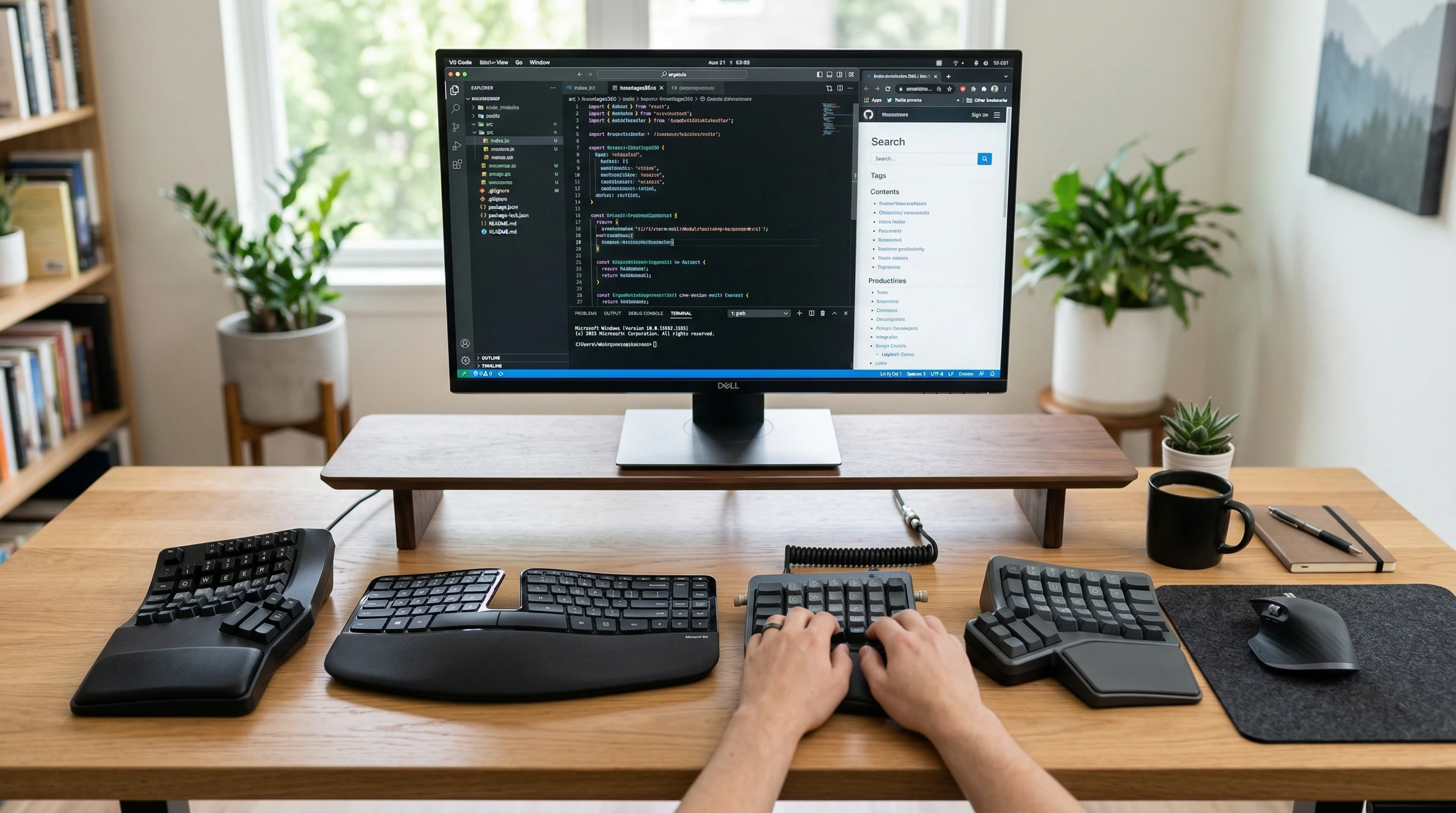
 Spending all day typing definitely takes a toll on your wrists, fingers, and shoulders. A regular keyboard can lead to discomfort, and if you’re working long hours, that strain can seriously affect your workflow and well-being.
That’s where ergonomic keyboards come in, designed to keep your hands and posture happy while you work.
If you’re feeling wrist soreness, stiffness, or even tingling after typing, you’re definitely not alone. Plenty of people run into these issues, especially those who type for most of their workday.
Switching to an ergonomic keyboard can help reduce strain, improve comfort, and make your work setup way more inviting.
This article covers what makes a keyboard ergonomic, the essential features to look for in a workready model, and my top picks (with star ratings and pros and cons) if you want to give a boost to both comfort and productivity at your desk.
What Makes a Keyboard Ergonomic?
Ergonomic keyboards are designed to fit the natural position of your hands, wrists, and arms.
Unlike traditional flat keyboards, these models support a more neutral hand position that helps reduce muscle strain and fatigue. Most people notice the difference after just a few days of use—sometimes even sooner.
- Split Layouts: Many ergonomic models split the keyboard into two halves, allowing your arms to rest in a more natural, shoulder width stance.
- Curved or Tented Designs: Some keyboards are gently curved or raised in the middle, which helps your hands angle naturally and avoids wrist bend.
- Palm and Wrist Rests: Builtin cushioned pads or wrist rests add support to reduce hard pressure points.
All these details add up to a more comfortable typing experience, especially for people who type a lot, use a mouse frequently, or have been feeling wrist discomfort.
Interestingly, using an ergonomic keyboard regularly may even help prevent long term injuries related to typing.
With more people working from home, the demand for more comfortable, user friendly devices is increasing, highlighting just how helpful a good ergonomic keyboard can be for daily tasks.
Key Features of an Ergonomic Keyboard for Work
Not all ergonomic keyboards are built the same. If you’re searching for one to use at work (whether remote or in the office), certain features make a big difference in day to day comfort and efficiency:
- Adjustable Angles: Some models allow you to change the tilt or height, so you can find the most comfortable position for your wrists and hands.
- Low Force Keys: Soft touch, low resistance keys reduce finger strain and let you type with less effort.
- Programmable Keys: Shortcut keys or customizable layouts can help you speed up repetitive tasks.
- Wireless vs. Wired: Wireless models keep your desk neat, while wired versions avoid battery swaps and possible interference.
- Build Quality: Nice sturdy materials, comfortable key texture, and a solid palm rest often make a keyboard feel much better over a long day.
If you plan to use your keyboard daily for hours, it’s really important to pick one that feels right for your hands. Testing one out first, if possible, can help you avoid buyer’s remorse.
Many office supply stores encourage you to test out display models, or you can check out online reviews and user feedback to get a sense of what works best in real life situations.
Top Ergonomic Keyboards For Work (With Pros, Cons, and Star Ratings)
Now, let’s see the keyboards I think you’ll really like if workplace comfort is high on your list. There’s a wide variety to choose from, and below you’ll find models suited for different preferences and budgets.
1. Logitech Ergo K860
⭐⭐⭐⭐⭐ (4.7/5)
- Pros: Split, curved design for comfortable arm posture; comfy padded palm rest; wireless functionality with easy Bluetooth switching.
- Cons: Not compact, takes up more desk space; keys may feel a bit soft for fans of mechanical boards.
This one’s a favorite for folks who want a gentle adjustment to ergonomic typing. I noticed less wrist soreness after a week, and the palm rest is really plush. Battery life is great, and you get multi device support, so it’s easy to switch between your laptop and desktop with one button.
If you want a comfortable, no fuss option that simply works, the Ergo K860 is an excellent pick.
2. Microsoft Sculpt Ergonomic Keyboard
⭐⭐⭐⭐ (4.5/5)
- Pros: Super comfortable split and tented design; separate numpad for flexible setup; responsive keys.
- Cons: Learning curve for layout, especially arrow keys; no backlighting; only wireless via USB dongle.
This classic model is perfect if you want solid comfort but aren’t picky about extra features. The key action feels very natural, but the curved, separated sections may take some getting used to.
The separate numpad is pretty handy if you want a minimal desktop look. For people who love keyboard shortcuts, this split layout still lets you reach important keys without much trouble.
I suggest you check out the full review here!
3. Kinesis Freestyle2
⭐⭐⭐⭐ (4.2/5)
- Pros: Fully split keyboard, adjust distance between halves; low force keys; optional tenting accessories for custom angles.
- Cons: Plain looks; accessories (like palm rests or tenting kits) sold separately; pricier than standard keyboards.
Awesome for people who want lots of adjustability. You can set the halves just where you want them, even at an angle or different heights. It’s great for setups where you might move your keyboard around during the day.
The design is straightforward, but you can mix and match accessories to create your ideal typing experience. If being able to personalize your workspace matters to you, this Kinesis is a great choice.
4. Keychron Q8 (Gasket Mount Curved Model)
⭐⭐⭐⭐ (4.4/5)
- Pros: Mechanical keys with a soft, pleasant feel; cloudsplit curve design; hot swappable switches.
- Cons: On the heavier side; wired only; not the cheapest pick.
If you type a lot and enjoy mechanical boards, this one’s worth checking out. The gentle curve and build quality make it feel super comfortable without straying too far from traditional mechanical feels.
Typing is smooth and responsive, with a nice tactile sound. This model also allows for custom key switches, so you can tune the typing feel to your liking.
5. Goldtouch Adjustable V2
⭐⭐⭐ (4.0/5)
- Pros: Totally adjustable split and tent; simple design; works with Mac and PC.
- Cons: No palm rest (though you can buy one separately); takes a minute to adjust when sharing desk space; basic styling.
This model is all about finding your perfect angle and split. Just twist to adjust, fold up for storage, or separate the halves if you need more space.
The typing feel is more basic but still comfortable for all day use. The Goldtouch is a no nonsense solution for people who want function over flashy looks.
Benefits and Drawbacks of Ergonomic Keyboards
Pros
- Reduce wrist and hand strain
- Promote better posture during long typing sessions
- Improve comfort (sometimes even productivity)
- Help avoid repetitive stress injuries
Cons
- Takes time to get used to new layouts
- Some models are pricey compared to standard keyboards
- Split designs might not fit all desk setups
- Can be bulky if portability is important
Most people who try an ergonomic keyboard for a few days find the transition worth it. The added comfort goes a long way if your hands, wrists, or arms are feeling sore after long work sessions.
If you’re worried about desk space or price, start with a basic model to see if it helps, then move up from there.
How to Choose the Best Ergonomic Keyboard For You
Choosing the right ergonomic keyboard comes down to what feels most comfortable and works with your day to day. Trying out split, tented, or curved types in store helps, but if you order online, double check return policies in case you need to swap models.
- Check the size and split style, will it fit your desk?
- Test key feel (mechanical vs. membrane)
- Decide if you need wrist support builtin
- Look for wireless convenience or stick to wired reliability
Comfort at your desk is super important, especially if you spend several hours typing most days. An ergonomic keyboard isn’t magic, but it can definitely make your work days a lot more comfortable and help you avoid unwanted strain over the long run.
Upgrading your keyboard is a small step that can pay off in big ways for your health and productivity, making work less of a pain—literally and figuratively!
Right thats it for now have a great day!