
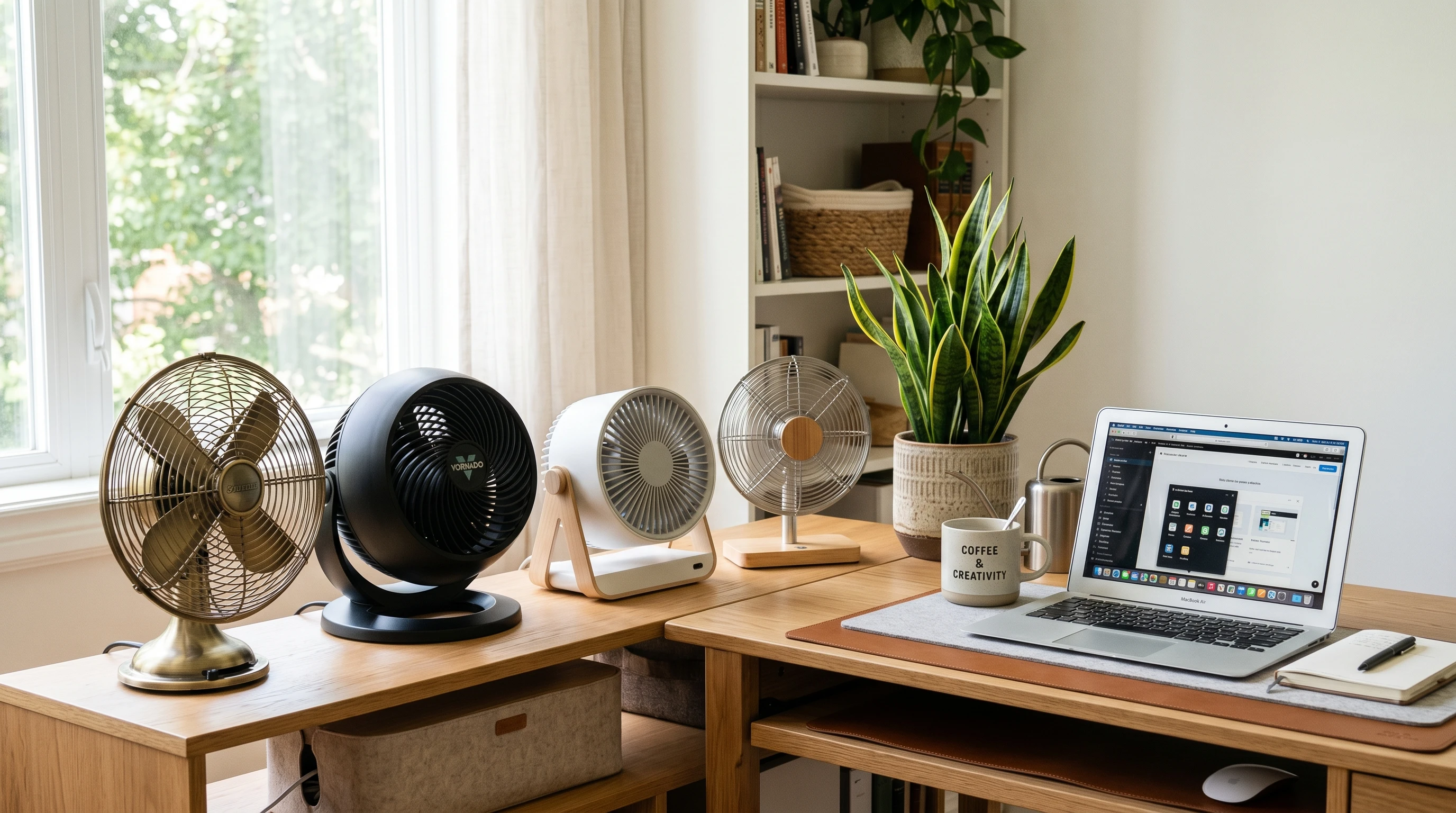
 Having a reliable desktop fan makes a huge difference in staying cool and comfortable, especially during warm months or in stuffy workspaces. It’s an easy way to improve air circulation, beat the heat, and keep your focus up. Whether you’re working from home, gaming, or studying, an efficient fan can give your setup a major boost.
If you’re tired of sweating through work calls or feeling sluggish at your desk, a good desktop fan can be a simple upgrade that actually makes your space more enjoyable.
There are tons of options out there, and picking the best one really comes down to what you need, like power, noise level, and how much desk space you can give up. The variety can seem overwhelming, but digging into your preferences makes narrowing things down much easier.
This guide covers everything from how to pick the best desktop fan in 2026 to some of the top models I’ve tried or that have been popular recently. I’ll share what features to look for, some quick cleaning and maintenance tips (because no one likes a dusty fan), and answer common questions to help you find a fan that keeps you cool without any hassle.
When you check out the following sections, you’ll get a sense of what separates a next-level cool fan from an average one, as well as helpful tricks to keep your workspace comfy and breezy all year.
How to Choose the Best Desktop Fan
Choosing the right desktop fan comes down to a few key things:
Size: Make sure the fan fits your desk without getting in the way. Compact fans are great for small spaces, while slightly bigger ones can move more air.
Power and Speed Settings: More power usually means better airflow, but you probably want adjustable speeds. This lets you go from a gentle breeze to a stronger blast, depending on the day.
Noise Level: Super important if you’re working or studying. Look for a fan that’s labeled “quiet” or “whisper quiet” if you’re sensitive to noise.
Oscillation: Fans with an oscillating feature rotate back and forth to move air across a wider area. This is pretty handy if you want more than just a direct breeze.
Energy Efficiency: Fans with energy saving features or DC motors tend to use less electricity. Over time, this can actually help keep your electric bill down.
Build Quality: Solid construction means the fan will last longer and stand up to years of use. Metal fans are usually sturdier, but good plastic fans are lighter and easier to move.
Easy Cleaning: Removable grilles and blades make life easier when it comes to maintenance.
It’s worth checking reviews and seeing what other users say, especially about noise and durability. If you need a fan at night, look into models with sleep or timer modes.
Also, pay attention to features like touch controls, variable timers, or built-in night lights if those can make your work or sleep routines smoother. These small extras can sometimes make your fan feel custombuilt for your needs.
Benefits of a Desktop Fan
I’ve personally found that even a small desktop fan can do so much more than just keep you cool:
- Better Airflow: Fresh air helps with focus and can keep headaches or that drowsy feeling at bay. A steady breeze makes a noticeable difference in how alert you feel, especially during long work or study sessions.
- Energy Savings: Instead of cooling your entire room, a fan does the job for just your personal space; so you can probably turn up the AC and save on energy.
- Portable Comfort: Most desktop fans are pretty lightweight, so if you move around (say, from home office to the kitchen table), you can bring your comfort with you. Some even come with foldable designs, making them travel friendly.
- White Noise: Some fans make a gentle hum that works as white noise, drowning out distractions. This can be super useful if you live in a noisy area or want to keep your mind settled while working.
- Reduces Humidity: Moving air helps sweat evaporate faster, making you feel cooler even on muggy days.
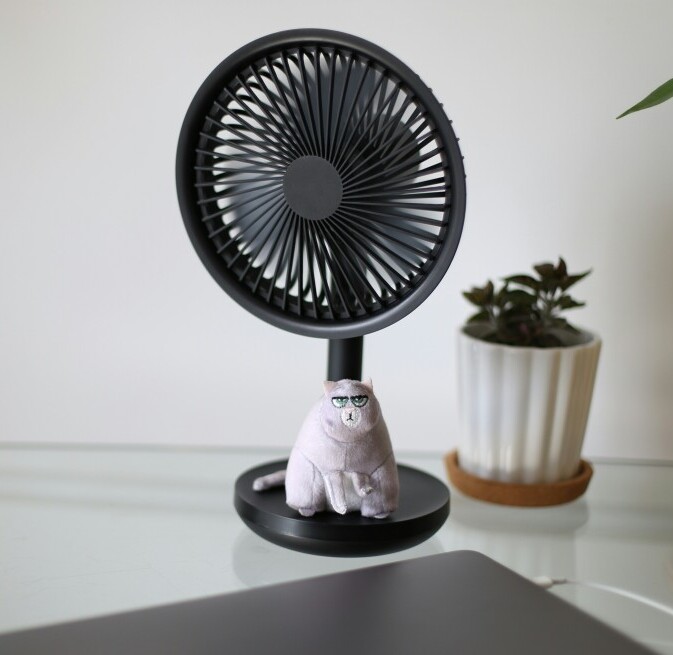
It’s easy to overlook how much of a difference that little breeze makes until you don’t have it, especially when you’re on a deadline in the middle of July.
For allergy sufferers or those with asthma, improved airflow can also help reduce dust buildup by keeping the air in motion and away from stagnant pockets.
List of the Best Desktop Fans 2026
So, here are the desktop fans that are worth checking out in 2026. I’ve picked these based on first-hand testing, specs, and attention the models received this year:
Vornado Flippi V10: Compact, stylish, and really good at circulating air with its signature vortex action. Super easy to adjust and comes in fun colors.
Honeywell TurboForce Air Circulator HT904: Packs a punch despite its small size, and the removable grill makes cleaning painless. Reliable and longlasting.
Dyson Pure Cool Me: Not just a fan, but you also get clean, filtered air directed right at you. It’s pricey, but the sleek design and air purifying feature make it worth a look if you have allergies.
Rowenta Turbo Silence: Known for its super quiet operation, so you barely notice it’s running. Good if silence is a big deal in your workspace.
Woozoo Globe Fan: The spherical design lets you adjust airflow in just about any direction, and it’s surprisingly powerful. Cute and efficient, plus the shape stands out on any desk.
Opolar USB Desk Fan: Budget friendly and powered by USB, which is really convenient for plugging into a laptop or power bank. Small footprint but solid airflow.
Lasko MyFan Personal: Simple controls, sturdy build, and perfect for smaller desks or nightstands. A true plug and play option.
All of these options have their perks. Just keep in mind your space, needs, and whether quietness or power is most important for your setup. If you’re after eye-catching looks, fan lighting or color options might sway your pick too. Some newer models are even coming with smart connectivity, letting you control your fan from your phone or integrate it with voice assistants for handsfree operation.
What is the Most Efficient Desktop Fan?
When I talk about an efficient desktop fan, I mean one that gives you solid airflow without sucking up a bunch of electricity. Fans with a DC motor are usually the top pick for this. They use less power and often run quieter than older style AC models.
The Dyson Pure Cool Me and Honeywell TurboForce both stand out for efficiency but in different ways. The Dyson uses a combination of targeted air delivery and filtration, so it’s great if you want both cool air and cleaner air.
The Honeywell is a simple, energysaving vortex fan that gives you good airflow without a big spike in your energy bill. If environmental impact is on your mind, look for models with energysaving certifications or low standby consumption as well.
How Do I Clean My Desktop Fan?
Cleaning your desktop fan regularly keeps the air fresh and the fan running smooth. Here’s a quick rundown:
- Turn it off and unplug it; safety first, always!
- Remove the front grille. Most fans have grilles that pop off or unscrew easily.
- Wipe down the blades with a slightly damp cloth. For stubborn dust, use a gentle soap solution, but don’t get the motor wet.
- Clean the grille. A brush or a quick rinse does the trick. Make sure it’s dry before you put it back on.
- Reassemble. Ensure all parts are dry before reattaching and plugging it back in.
Fans with easily removable grilles and blades make this process way quicker and less annoying. Doing this every few weeks keeps your fan and air in better shape. For allergy sufferers, keeping the fan dustfree can make a noticeable difference in air quality too.
How to Maintain a Desktop Fan
- Make cleaning a routine, dust every couple of weeks.
- Keep the motor vents clear. A small brush is super useful for this task.
- Check that the power cord and plug are in good shape, with no fraying or damage.
- Lubricate moving parts if the fan seems to slow down (only if the manual suggests it).
- Avoid blocking the fan’s air intake or exhaust for best performance.
A little upkeep goes a long way. Clean fans are less likely to overheat and will stay quieter and more powerful for longer. Extra tip: Store your fan in a dustfree area during the off season to make sure it’s ready for action when you need it again.
FAQ
Can I use a desktop fan all night?
If the noise and airflow are comfortable for you, there’s no problem with leaving it on overnight. Just check that the fan is in good working order and positioned safely. Some models come with timers or autooff features, giving you extra peace of mind as you sleep.
What’s better: USB or plugin?
USB fans are really portable and great for travel or when outlets are scarce. Plug-in fans usually offer more power for bigger spaces. Pick whatever fits your situation best.
Is oscillation necessary?
If you want airflow across a wider area or more even cooling, oscillating fans can help. For direct, steady breeze right at your spot, a nonoscillating model works fine.
Can I use a desktop fan with air conditioning?
Absolutely. Using a desktop fan alongside AC can help distribute the cool air better and might allow you to keep the AC set a bit higher, saving energy and money over time.
Do any desktop fans come with remote controls?
Some highend fans, like those from Dyson or Rowenta, include remotes for extra convenience; these are super handy if your fan is across the room or on a tall shelf. Smart fans can even sync up with apps or voice assistants for handsfree controls.
By digging into your needs and checking out these top options, you’ll find a model that keeps your workspace cool, comfy, and uniquely you.
If you stumble upon a fan that you love, don’t hesitate to share your pick with others who might need a hand in finding their own perfect cooling companion.
Thanks for stopping by and have a great day!