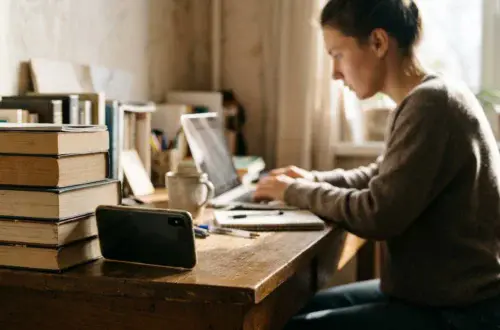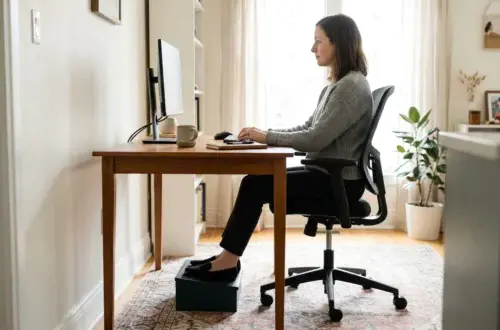
Your chair is set up the way the guides say. The seat height is right, the lumbar support sits where it should, and the monitor is at a sensible height. You still end the day with a stiff neck, tired eyes and a slump you can’t explain. The setting left to check may be the light, because poor lighting is one reason your body drifts out of the position you just set up.
How lighting affects posture at a desk comes down to one mechanism: your head goes wherever your eyes need it to go. If the light makes something hard to see, you move toward it. This article follows that chain from the three most common lighting problems to the posture they produce, then gives you a fix for each symptom and a 15-minute check to run at your own desk. If your chair is adjusted but your body still hurts, this guide to which chair setting to change for each symptom covers the other half of the problem.
Why a badly lit desk pulls your body out of position
A chair supports your pelvis, back and arms. It has no control over your neck or head, and those follow your eyes. When you can’t read the screen comfortably, your head moves forward. When the page on your desk is in shadow, your shoulders round to bring your face closer to it. The chair can be perfect and the rest of you still ends up somewhere it shouldn’t be.
Three lighting problems cause most of this:
- Glare and reflections on the screen, from windows, overhead fixtures or a lamp.
- Dim task areas, where the keyboard, notes or paper sit in shadow.
- Uneven brightness, such as a bright screen in a dark room or a bright window next to a dim monitor.
Each one produces a different posture habit. Because the habit is a reaction to what you see, you can sit upright for the first hour and still find yourself craning forward by mid-afternoon, once your eyes are tired and the light has changed.
Glare on the screen: the reason you crane your neck forward
A reflection on your screen sits over the text, so you lose contrast. Your body tries to fix this in two ways. You tilt your head to move the reflection off the words, or you lean closer to make the words larger and easier to pick out. Neither is a conscious decision. People hold these positions for hours without noticing.
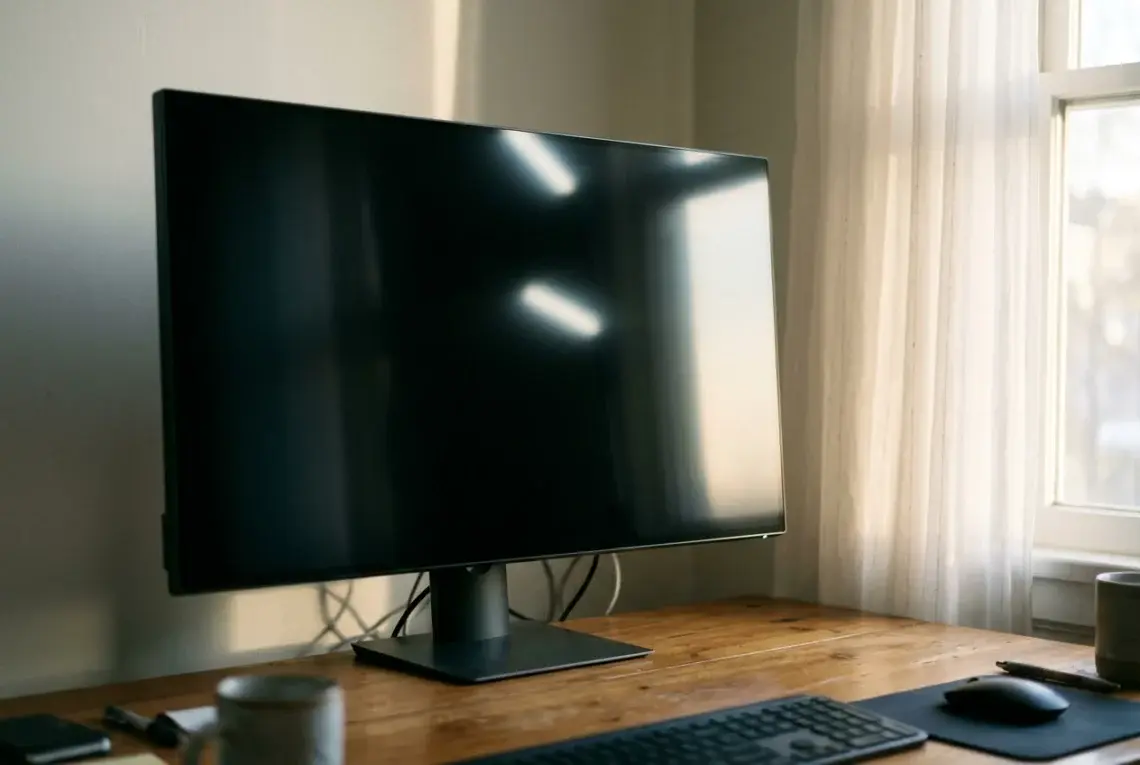
To find the reflections, turn the monitor off and look at the dark screen from your normal seated position. Any bright shape on it is a reflection. A window behind you shows up as a pale rectangle. Ceiling lights show up as spots or streaks. A lamp that is too close to the screen shows up as a glow.

Common fixes, in the order worth trying:
- Turn the desk or the screen so the window is at your side, not behind or in front of you.
- Close blinds or curtains partway, or use sheer ones that soften the light without making the room dark.
- Move or re-aim any lamp that appears in the dark screen.
- Tilt the screen slightly to shift a reflection from overhead lights, then check that the top of the screen is still at or just below eye level.
- Increase the text size or zoom level instead of leaning in.
Tilting a screen to dodge glare often leaves it too low or too high. A monitor that can be moved in several directions makes it easier to adjust both at once, and this comparison of a monitor arm and a fixed stand explains how each handles that.
Dim task areas: how reading paper and keyboards makes you hunch
Screens produce their own light, so people tend to light the room for the screen and forget the desk surface. Anything you look down at needs light of its own. That includes paper, a notebook, a phone on the desk, and the keyboard if you glance at the keys.
When the desk surface is dim, your eyes strain to pick out detail, and your head drops toward the work. The shoulders and upper back round forward to follow it. This looks like a slouch, but the cause is lighting and not a weak back.
The most common cause is a light source behind you or over your working hand. Your own arm or head then blocks the light, and the shadow falls exactly where you are writing or reading. Putting the lamp on the side opposite your writing hand removes most of that shadow. Right-handed people usually want the lamp on the left, and left-handed people on the right.
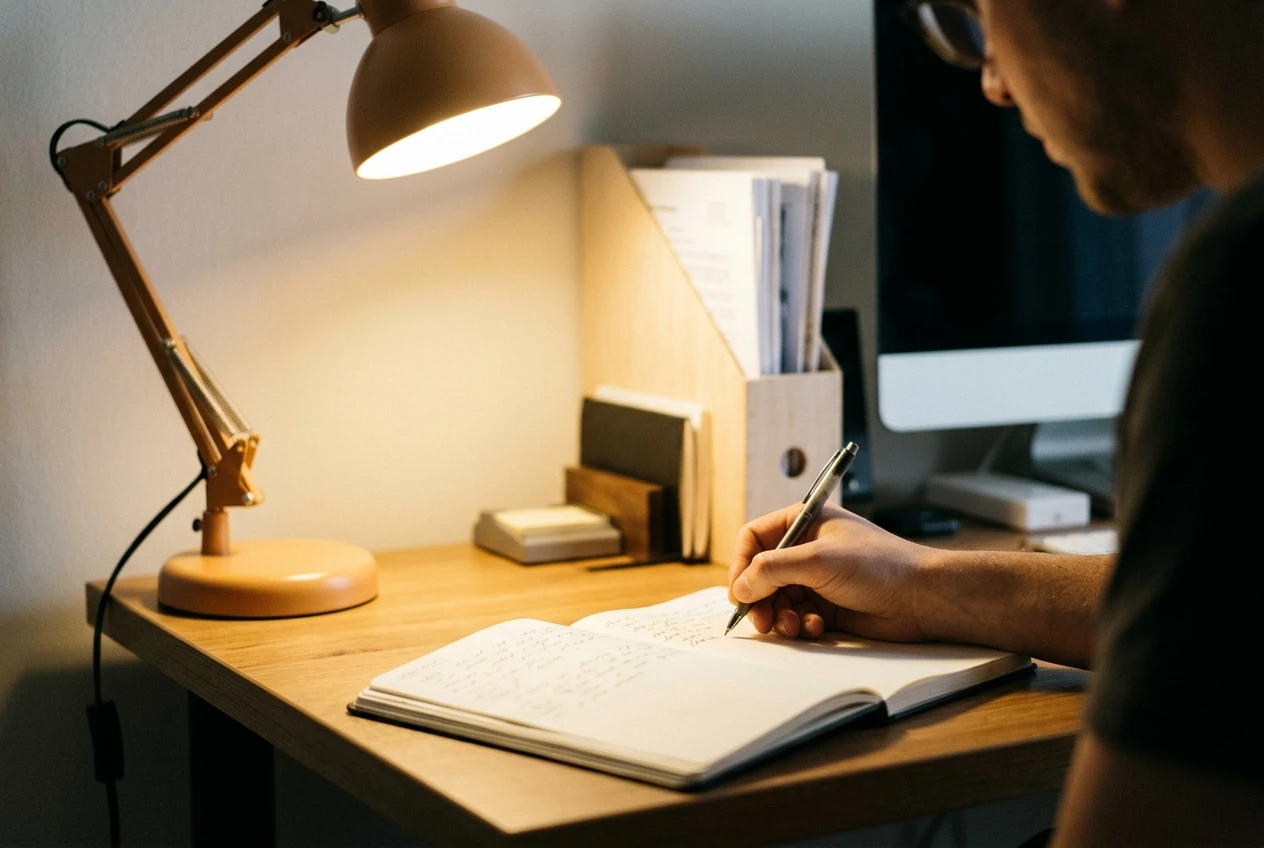
If you work from paper regularly, a document holder that props the page upright beside the monitor keeps your head level. Light the holder directly, since a page held upright can catch reflections from overhead lights and the lamp.
Color temperature and afternoon fatigue: what to cover and what remains uncertain
Color temperature describes whether a light looks warm (yellowish) or cool (bluish-white). Many people report that cooler light feels more alert and warmer light feels calmer. It is reasonable to wonder whether the wrong color contributes to the afternoon slump.
The honest answer is that the research is mixed. Studies on light color and alertness vary in design, are often small, and are tangled up with brightness and time of day. Nobody can promise that one color temperature will lift your afternoon energy or improve your posture. Claims that it will deserve some caution.
What you can do without relying on those claims:
- Choose a lamp with adjustable brightness and, if possible, adjustable color, so you can try settings and keep what feels better.
- Keep the room reasonably bright in the afternoon. A dim room paired with a bright screen makes your eyes work harder, and tired eyes lead to leaning.
- Change one thing at a time and give it a few days. Fatigue has many causes, including sleep, meals, breaks and workload, so a single lighting change is hard to credit or blame.
The firmer link to posture runs through visibility. A light that lets you see clearly without effort helps you stay upright. A color setting that shifts how awake you feel is a separate, less certain question.
Where to put the lamp, the window and the monitor, relative to your chair
Placement matters more than the lamp’s price. Work from your seated position, since that is where your eyes are.
The window. Place the monitor at a right angle to it, so the window is to your left or right. Facing a window gives you a bright background that makes the screen look dim. Sitting with your back to one puts reflections on the screen. If you can’t turn the desk, use blinds to control the light during the hours when the sun is strongest.

The monitor. Set it about an arm’s length away, with the top of the screen at or slightly below eye level. Then check for reflections again, because moving the screen changes what it reflects.
The desk lamp. Put it on the side opposite your writing hand, a little ahead of you, and aim it at the desk surface and not at the screen. The bulb should sit below your eye line so you don’t see it directly. An adjustable arm lets you re-aim it as the day goes on.
Overhead lighting. A ceiling light directly behind you throws your shadow forward onto the desk and can reflect on the screen. If it is the only light, a lamp at the side usually helps more than a brighter bulb overhead.
Your chair. A swivel chair lets you turn toward the work. If you find yourself twisting your torso to face the screen or the window, move the desk or the screen instead, because a twisted spine is a posture problem of its own.
A symptom-to-fix table: neck, eyes, shoulders and late-day slump
Start with the symptom you notice most and test the first fix for a few days before changing anything else.
Symptom | Likely lighting cause | Fix to try first |
|---|---|---|
Neck tension, head drifting forward | Reflections on the screen, or text that is small and low in contrast | Check the dark screen for reflections, turn the screen away from the window, and increase the text size |
Tilting or twisting the head to one side | A window or lamp on one side creating glare at an angle | Move the screen perpendicular to the window and re-aim the lamp away from the screen |
Eye strain and headaches | Screen much brighter than the room, or a bare bulb in your line of sight | Lower the screen brightness to match the room, raise the room light, and lower the lamp below eye level |
Rounded shoulders, hunching over the desk | Shadow on the keyboard or paper, often cast by your own arm | Move the lamp to the side opposite your writing hand and use a lit document holder |
Leaning in during reading tasks | Dim page or glossy paper reflecting a ceiling light | Add direct light on the page, and angle the page so it doesn’t mirror the light |
Late-day slump | Dim room in the afternoon, or tired eyes from long stretches of glare | Raise room brightness in the afternoon, take short breaks away from the screen, and treat color changes as an experiment, not a cure |
If none of these helps, the cause may lie outside the lighting, and that is worth knowing too.
A 15-minute lighting check to run after you adjust your chair
Run this once your chair and monitor are set, so the lighting is judged from your real working position. Each part takes about three minutes.
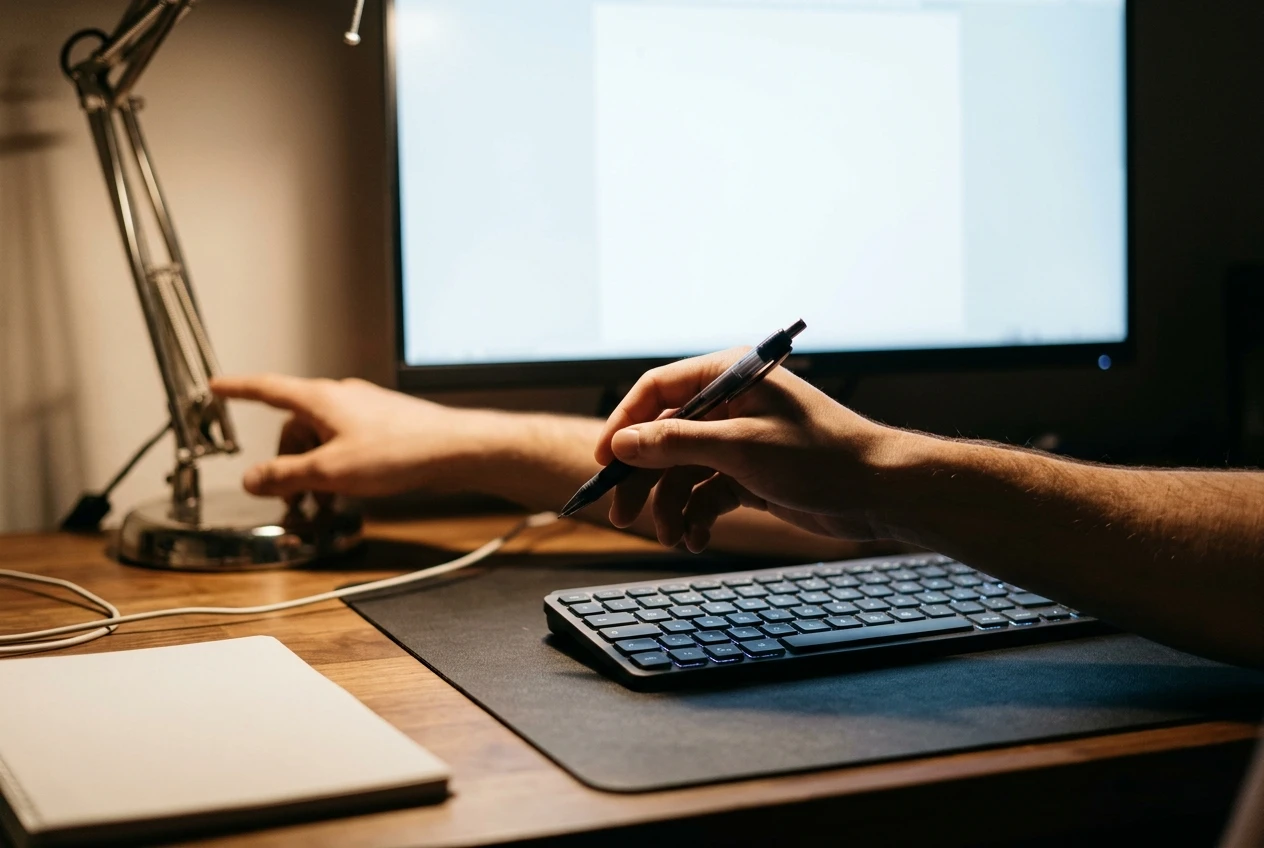
- Reflection test. Turn the monitor off, sit in your normal position, and look for bright shapes on the dark screen. Move the screen, the lamp or the blinds until they are gone.
- Window check. Look at where the window sits relative to you and the screen. Adjust the desk angle or the blinds so it is at your side, not in front or behind.
- Shadow test. Pick up a pen or put your hands on the keyboard and look for shadows from your own arms. Move the lamp to the opposite side until the working area is clear.
- Brightness match. Open a blank white document. If the screen looks like a glowing panel against the room, lower its brightness or raise the room light until it looks closer to a sheet of paper in the same space.
- Posture watch. Work normally for the final minutes and notice when you lean forward, tilt or hunch. Each time, ask what you were trying to see. The answer points to the light that still needs fixing.
Repeat the check in the afternoon, when the sun has moved and the room looks different. A setup that works at nine may not work at three.
Run the 15-minute lighting check at your own desk, then work through the head-to-toe workstation audit to catch what light can’t fix.