If your office chair is adjusted but your back still hurts, the cause is usually one setting that is right in isolation and wrong in combination with another. A chair has a handful of controls, and each one tends to produce its own kind of discomfort when it is off. So the fastest way to fix it is to start from where you feel the problem and work back to the control most likely responsible.
This article is organized by symptom. For the full order in which to set a chair from scratch, use the setting-by-setting walkthrough. Here the aim is narrower: find the one or two changes worth trying for the ache you actually have.
Before you touch the chair: check that seat height and desk height agree
Many symptoms that look like chair problems come from the chair and the desk disagreeing. If the desk is too high for your seat height, your shoulders rise to reach the keyboard. If you lower the desk’s apparent height by raising the chair, your feet may stop reaching the floor. The chair can be perfectly set and still hurt you.
Run a quick check before changing anything else:
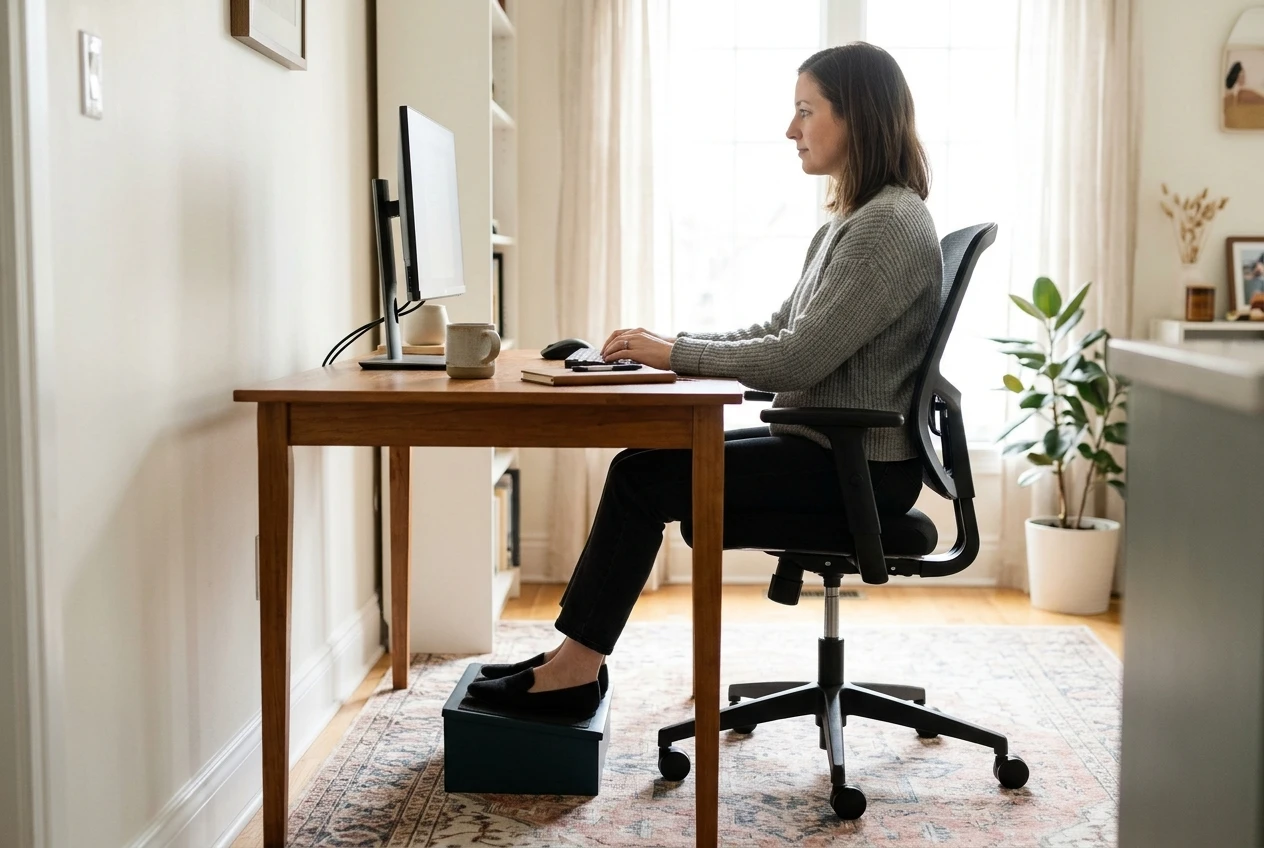
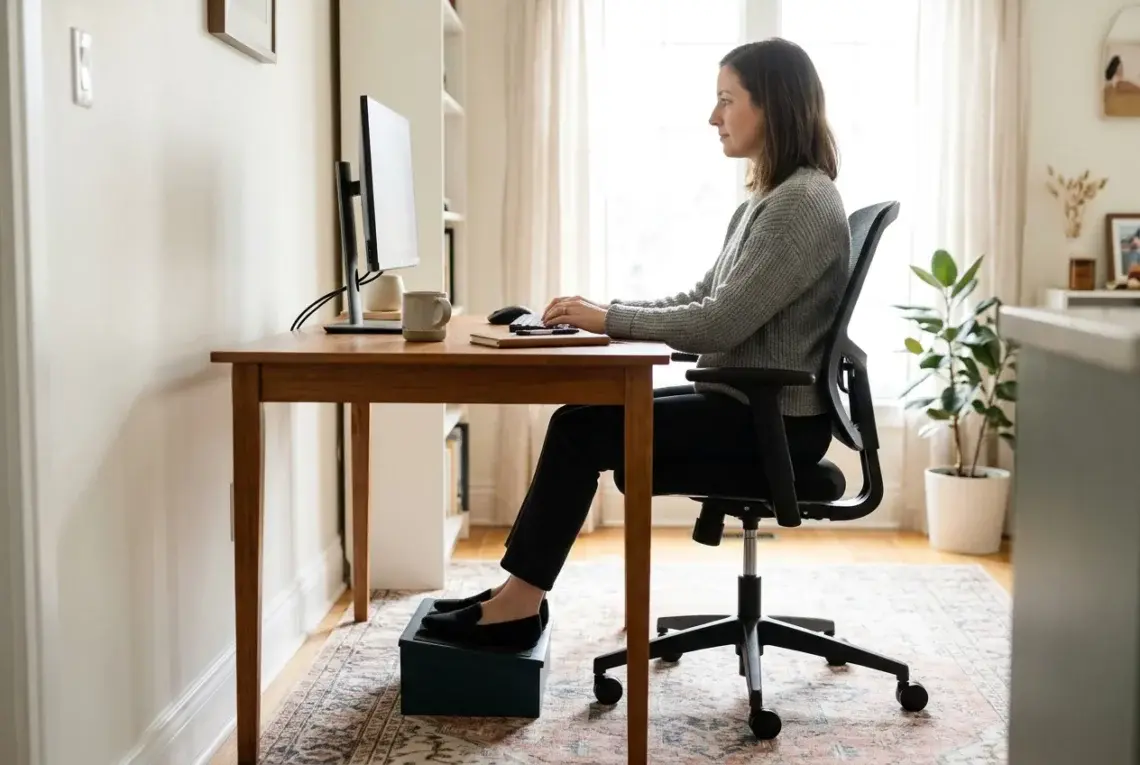
- Sit back fully in the chair with your feet flat on the floor.
- Your knees should sit at roughly hip height or a little below, with thighs close to parallel to the floor.
- Let your upper arms hang by your sides, then bend your elbows. Your forearms should land about level with the desk surface, or just above it.
If the second check fails, you have two options. You can raise the chair until your elbows meet the desk, then add a footrest so your feet are supported. Or, if the desk is height-adjustable, lower it to meet your elbows. A footrest can be a purpose-built one or a sturdy box. What matters is that your feet are fully supported, because dangling feet shift pressure onto the backs of your thighs.
Once these two heights agree, retest your discomfort for a day or two before moving on. Some of it may already be gone.
Lower back aching by mid-afternoon: lumbar position and backrest angle
A lower back that feels fine at nine and sore by three points to support that wears off as you tire. Two settings are the usual cause: the lumbar support and the backrest angle.
Lumbar position. Lumbar support should press gently into the inward curve of your lower back, roughly at belt height. Many chairs have a bump that is too high, sitting under the shoulder blades or at the mid-back, where it pushes your upper body forward. If your chair has an adjustable lumbar pad, lower it a notch at a time and sit for a while at each position. The right spot feels like light contact, not a firm push. If the support jabs into you, lower it or reduce its depth.
Backrest angle. A fully upright backrest at 90 degrees makes the muscles of your back work harder to hold you there. A slight recline, a little past upright, lets the backrest carry some of your weight. Loosen the angle lock and lean back a few degrees. If you find yourself perched forward away from the backrest, you are getting none of the support you adjusted, so the angle needs to change or your seat depth does (more on that in the next section).
One check applies to both: sit all the way back so your hips touch the backrest junction. If a gap remains between your lower back and the chair, no lumbar setting will work, because you are not in contact with it.
If you have followed all of this and your office chair is adjusted but your back still hurts, hold off on buying another chair. Move on to the other sections first, since seat depth and tilt often contribute to back pain too.
Pressure behind the knees or tingling thighs: seat depth
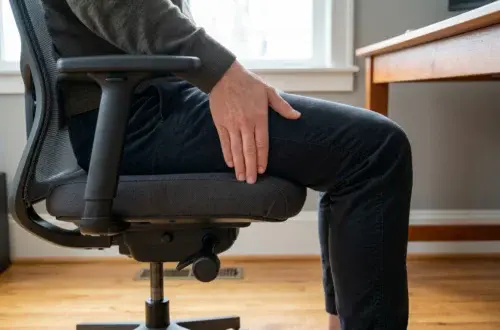
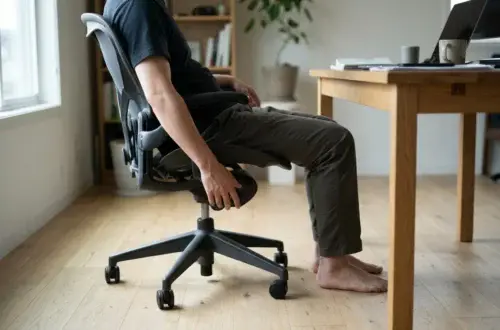
Pressure on the back of the knees, or a tingling or heavy feeling in the thighs, usually points to seat depth. If the seat is too deep for your legs, the front edge presses into the soft tissue behind your knees. That compresses blood vessels and nerves, which can cause numbness or tingling.
Many ergonomic chairs let you slide the seat forward or back. To set it:

- Sit all the way back, with your hips against the backrest.
- Slide your fingers between the front edge of the seat and the back of your knee.
- You should fit about two to three fingers in that gap.
If the gap is smaller, move the seat forward, or if the chair has no seat slide, change how you sit. If the gap is much larger, the seat is too shallow for your legs, and you lose thigh support. Chairs without seat depth adjustment are the trickiest here. A small lumbar cushion can fill the space behind you, which effectively shortens the seat, but it is a workaround and not a perfect fit.
Also check the seat edge. A rounded “waterfall” edge reduces pressure behind the knees. A hard, squared edge concentrates it. If your chair has the squared kind and you cannot change the depth, that is worth noting for the end of this article.
Tight neck and shoulders: armrest height and screen position
Tension in the neck and tops of the shoulders almost always involves one of two things: armrests set too high, or a screen in the wrong place.
Armrest height. If the armrests push your elbows up, your shoulders rise with them and stay raised for hours. Lower the armrests until your shoulders hang relaxed and your forearms rest lightly on the pads with elbows near 90 degrees. If they are too low, you will lean sideways to use them, which strains the opposite side. Armrests are for resting your forearms between bursts of typing, not for propping yourself up. If the armrests collide with the desk edge and stop you from sitting close, narrow them or swing them inward, or remove them.
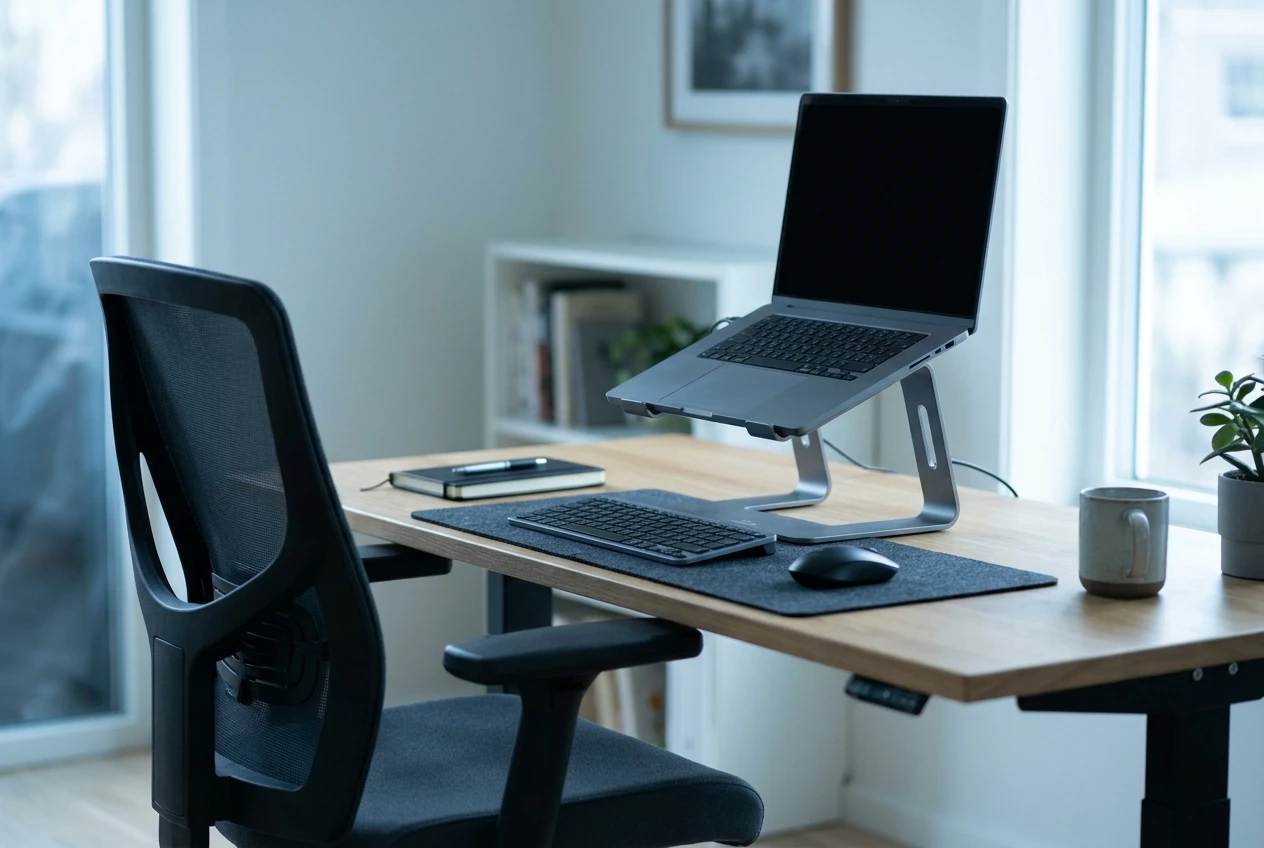
Screen position. The top of the screen should sit at about eye level or slightly below, roughly an arm’s length from your face. A screen that is too low makes you tilt your head down, and a screen that is too high makes you tip it back. Both load the neck. If you work on a laptop, the screen and keyboard are fixed together, so a laptop stand and a separate keyboard let you set each at the right height.
If you wear bifocals or progressive lenses, you may tip your head back to see through the reading portion. A screen set lower, or glasses made for computer distance, can help, and an eye care professional can advise on that.
Sliding forward or slouching: recline tension and seat tilt
If you keep sliding toward the front of the seat, or you drift into a slouch you did not choose, two settings deserve a look: recline tension and seat tilt.
Recline tension. This knob controls how hard the backrest pushes back when you lean. Too loose, and the backrest tips farther than you want and you sink into a slump. Too tight, and you feel pushed forward and tend to perch on the edge. Adjust it so the backrest follows you with light resistance when you lean back, and holds you when you stop.
Seat tilt. Some chairs let you tilt the seat pan. A seat that tips back too far makes you slide forward. A slight forward tilt or a level seat holds your hips in place. If you slide, try less backward tilt.
Slouching also tells you something about the other settings. People often slump because the seat is too deep to reach the backrest, or the lumbar sits too high to feel supportive, so go back to those two sections if tension and tilt do not solve it. A chair can only support you in the posture it allows, but your desk setup also matters. If you are leaning toward the screen, the screen is probably too far away or too small to read comfortably.
Sore wrists and forearms: armrests, keyboard height and where a wrist rest fits
Wrist and forearm soreness comes from the angle of your hands to the keyboard, and from pressure on the underside of your wrist.
Start with height. Your keyboard should sit at about elbow level so your forearms stay roughly level and your wrists stay straight, not bent upward. If the keyboard is too high, your wrists bend back. If you have raised the chair to fix that and the armrests now sit too high, you are back to the shoulder problem above. The fix may be a lower desk, a keyboard tray, or armrests that move independently of the seat.
Armrests help here when they support the forearm near the elbow and let your hands float over the keys. If they sit too far forward, they push your elbows out, and if they are too far apart, you reach sideways.
A wrist rest has a specific, limited job. It is for resting your palms during pauses, not for planting your wrists and typing on top of them. Resting on it while you type bends the wrist and presses on the underside. Keep your hands floating while you type and use the rest during breaks. If you want to look at options, there is a piece on the benefits of using a wrist rest that covers what they do and do not help with.
Pain that includes numbness, burning or tingling in the fingers, or that wakes you at night, is worth bringing to a professional rather than treating with a setting change.
When no setting fixes it: signs the chair does not fit your body, and when to see a professional
Sometimes you go through every setting and the discomfort stays. That points to one of two causes: the chair does not fit you, or the problem is not the chair.

These are signs the chair itself is the limit:
- The seat is the wrong size. Even at the shallowest setting, the seat edge presses into your knees, or even at the deepest, you have no thigh support.
- The lumbar cannot reach your back. It has too little range, so the support sits above or below the curve where you need it.
- The armrests cannot reach a useful position. They are too high at their lowest, or they cannot move in or out.
- The foam has flattened. The seat has worn down so that your sit bones press through to the base, and no setting restores cushioning.
- Settings will not hold. The backrest slips, or the height drops over the day, because a mechanism has worn out.
If you recognize several of these, the chair is the problem, and a better fit matters more than further adjusting. When you start comparing replacements, the guide to the features worth keeping in an ergonomic office chair under $300 gives you a checklist for which adjustments to look for.
The other possibility is that the cause is not the chair. Sitting still for hours is hard on the body even in a good posture. Standing up, walking briefly and changing position every so often helps in a way no setting can.
See a doctor or physical therapist if you have any of these:
- Pain that continues after you have changed your setup and taken breaks
- Numbness, tingling or weakness in your arms, hands, legs or feet
- Pain that spreads down a leg or arm
- Pain that wakes you at night or keeps getting worse
- Pain that began after an injury
A professional can find out what is behind the discomfort, which a chair adjustment cannot do, and some workplaces offer an ergonomic assessment of your desk setup at no cost to you. It is worth asking your employer.